How to Send Self Send Text Messages In Happy Grasshopper
Self Send Text Messages Guide
Want to send personalized messages via text to your contacts using your own phone number? The Self Send Texting feature lets you send text messages to contacts in any tag or audience—while keeping the power of Happy Grasshopper’s templates and tracking behind the scenes.
Step 1: Go to Self Sends
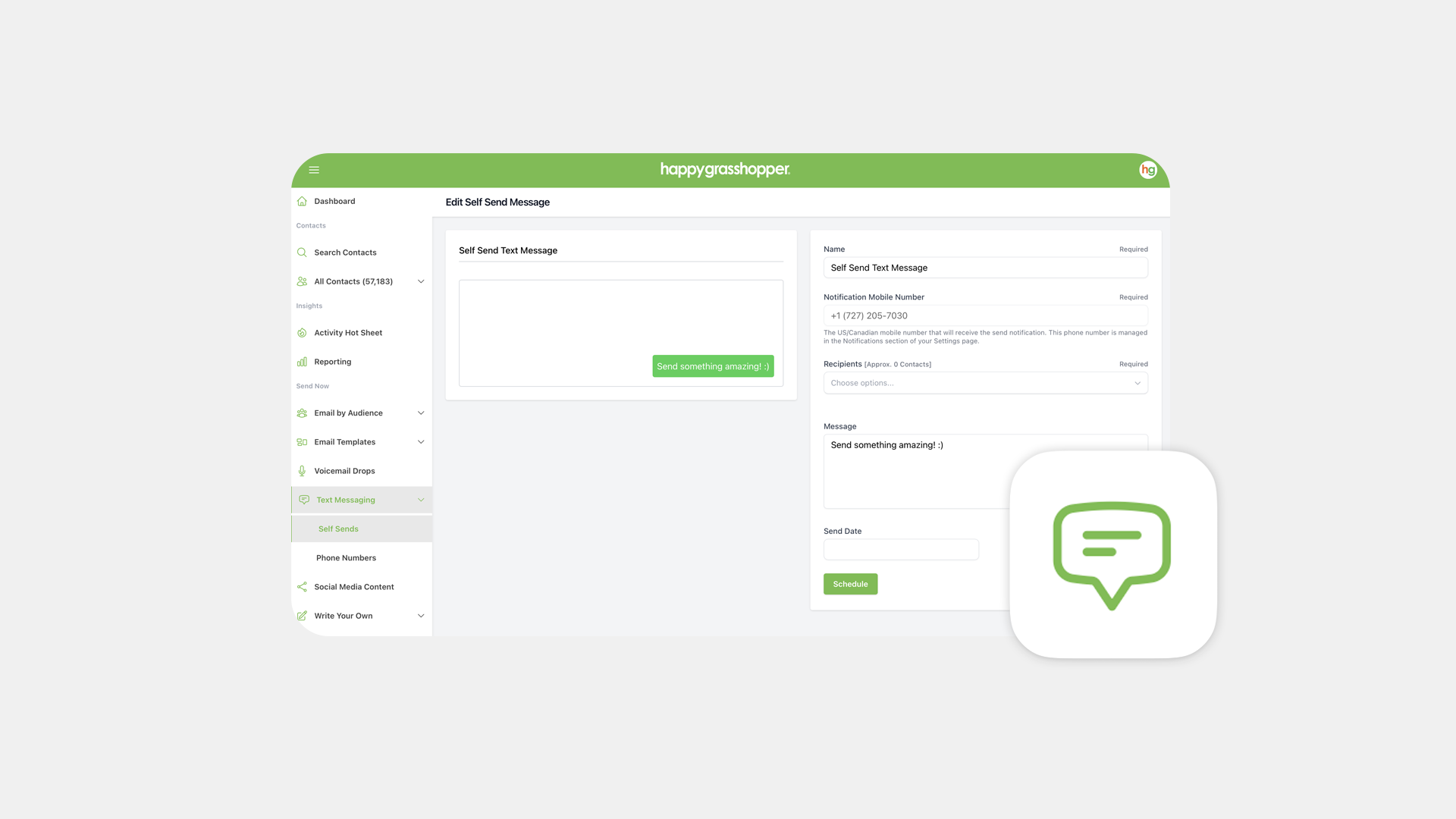
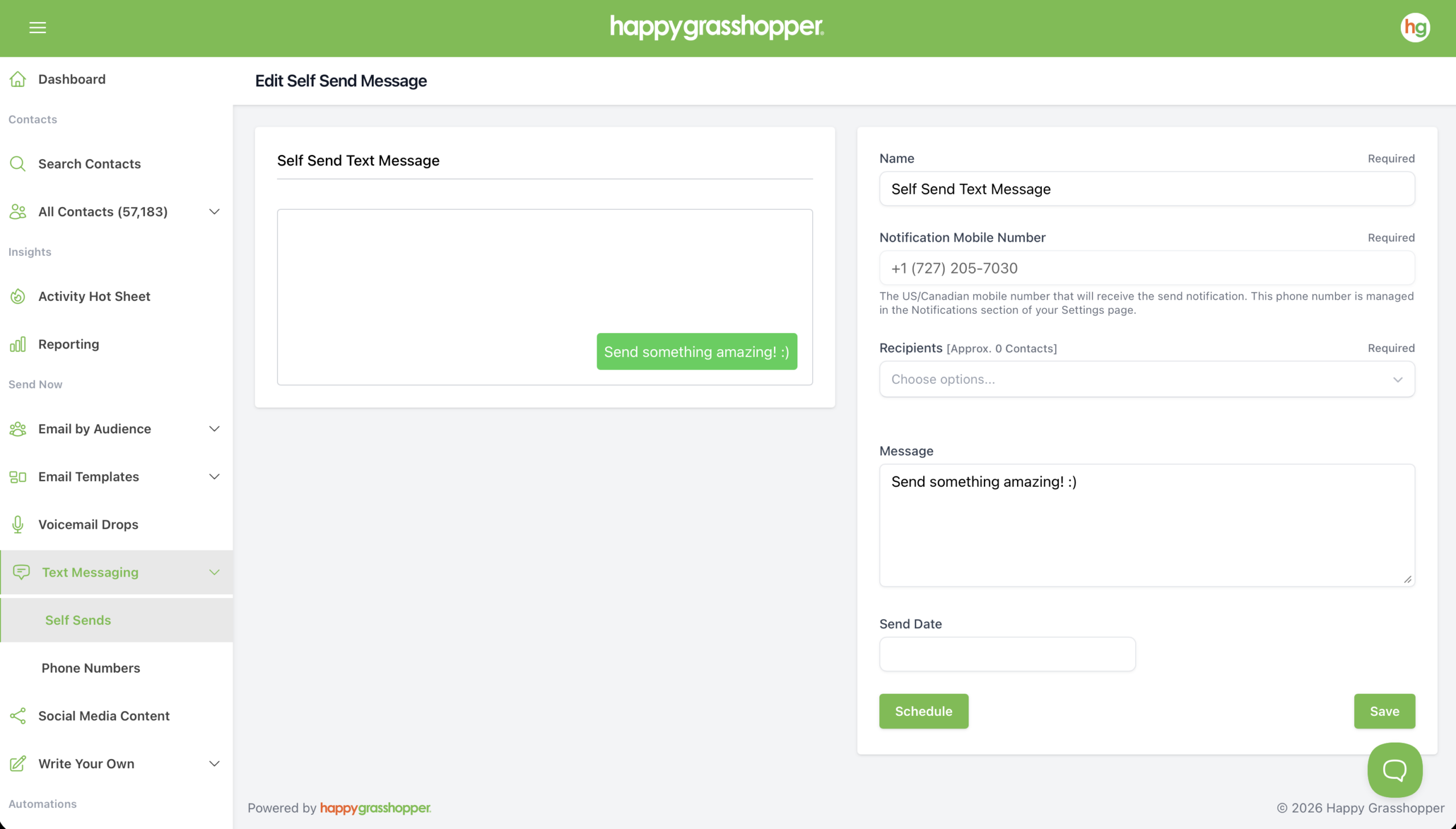
Navigate to Text Messaging in the left-hand menu, go to the Self Sends tab and click Create New Message.
Step 2: Set Up Your Message
-
Name your message
-
Add recipients: Tags, Audiences or Contacts
-
Write your message from scratch, or paste in one of our ready-to-go templates from the library
-
Use merge codes to automatically fill in personal details within your messages. For example, {{u.first_name}} inserts your first name, while {{c.first_name}} inserts the contact’s first name, helping personalize each message automatically.
Make your message sound like you—friendly, conversational, and clear.
Step 3: Schedule Your Message
Once your message is ready, choose a send date and time. This determines when you’ll receive a reminder text with a link that allows you to manually send the messages. At the scheduled time, you’ll receive:
-
A text notification with a link
-
Click it to open a mobile browser page
-
Tap Send for each recipient—the message opens in your phone’s texting app, ready to go
-
Send one-by-one to each contact in your list
Step 4: View Your Message
-
Messages send one at a time from your device—this keeps them personal and protects your number from carrier restrictions. View them in your default messaging app on your phone.
-
Only contacts with a valid mobile number can receive these messages