
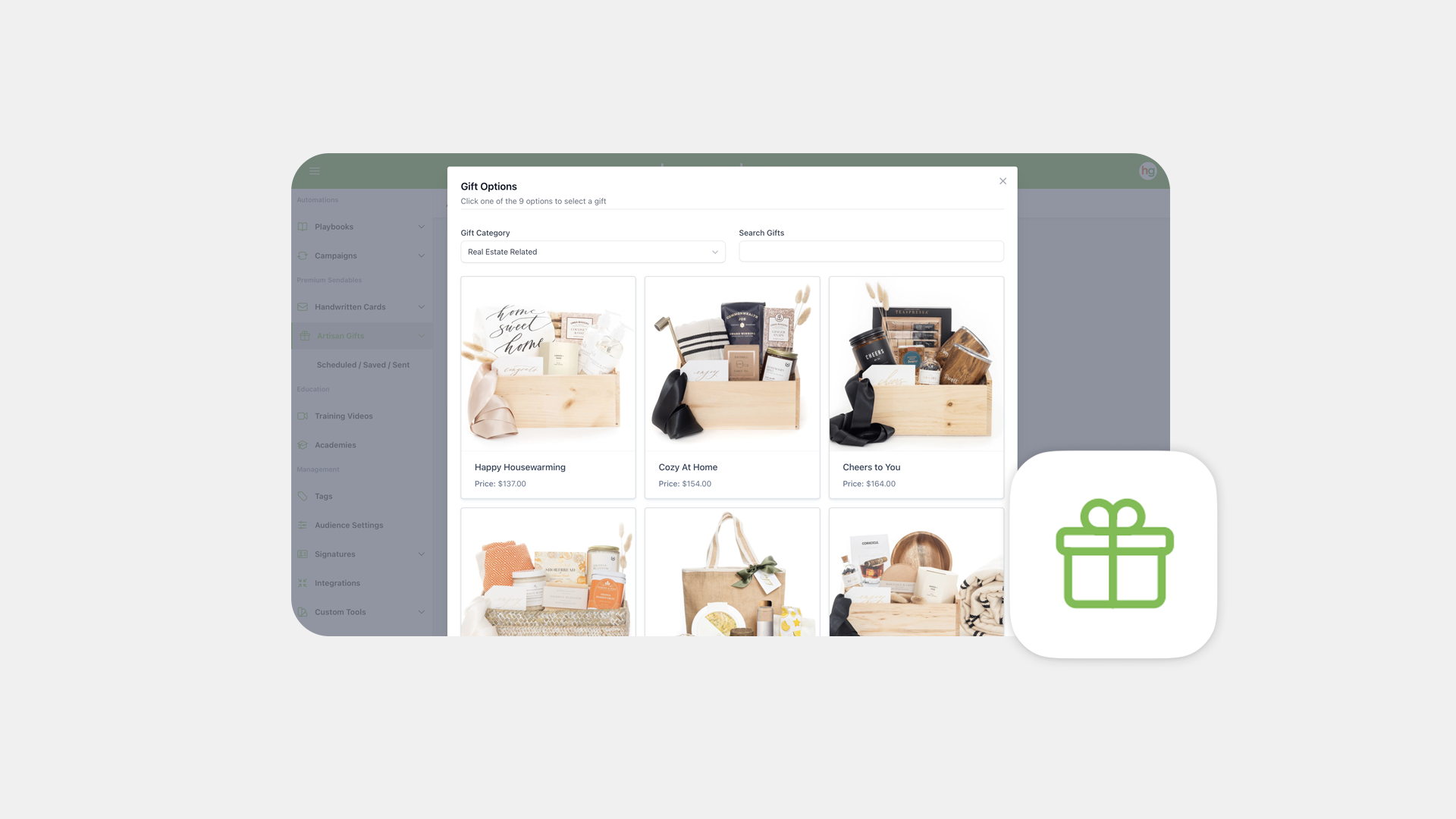
How to Send Artisan Gifts In Happy Grasshopper
Artisan Gifts Send Guide
Happy Grasshopper now makes it easier than ever to create meaningful, memorable moments—with beautifully curated artisan gifts! Whether you’re thanking a client, celebrating a milestone, or nurturing a relationship, sending a high-end gift is just a few clicks away.
Step 1: Go to Artisan Gifts
Navigate to Premium Sendables in the left-hand menu, go to the Artisan Gifts tab and click Create Artisan Gift.
Step 2: Choose & Customize Your Gift
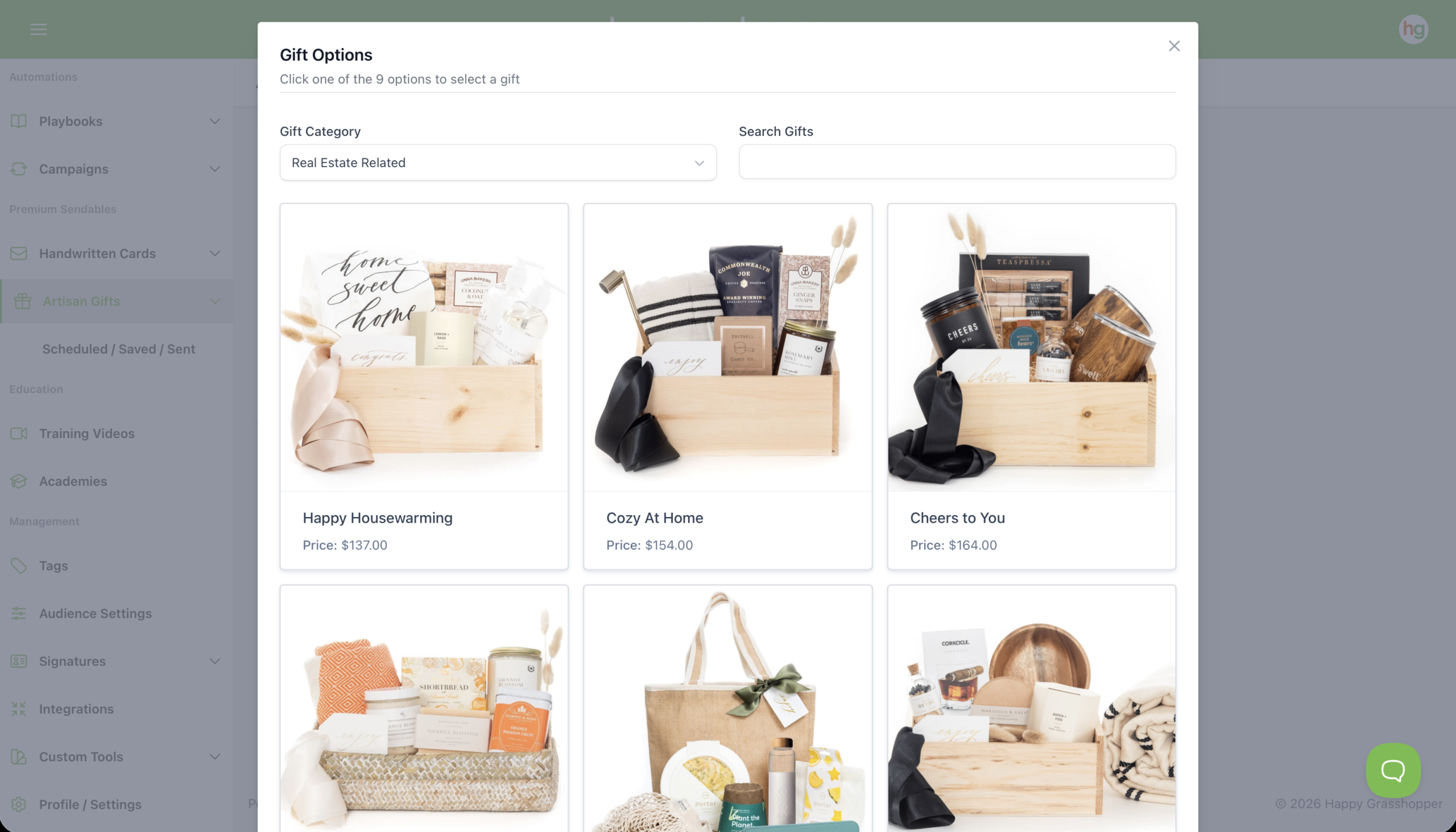
Click Create New, then hit Select a Gift. We’ve partnered with the incredible team at Marigold & Grey to offer high-quality, hand-packed gift boxes. You’ll be able to:
Step 3: Choose Recipients and Schedule
Start typing a name to search your contacts—gifts can only be sent to people who have a valid physical address on file. If you’d like to send to more than one person, you can add multiple recipients; just keep an eye on your basket total. You’ll see your name and address automatically pre-filled as the sender, and you’ll also have the option to include your company name if the gift is for a professional occasion, such as a closing or anniversary.
Once everything is ready, click Send & Save, then give the gift a name for your records (recipients won’t see this). Next, choose a send date. Remember that this is the send date, not the delivery date, so we recommend scheduling about a week in advance to help ensure timely arrival. After you click Schedule, your artisan gift will be on its way.
Next
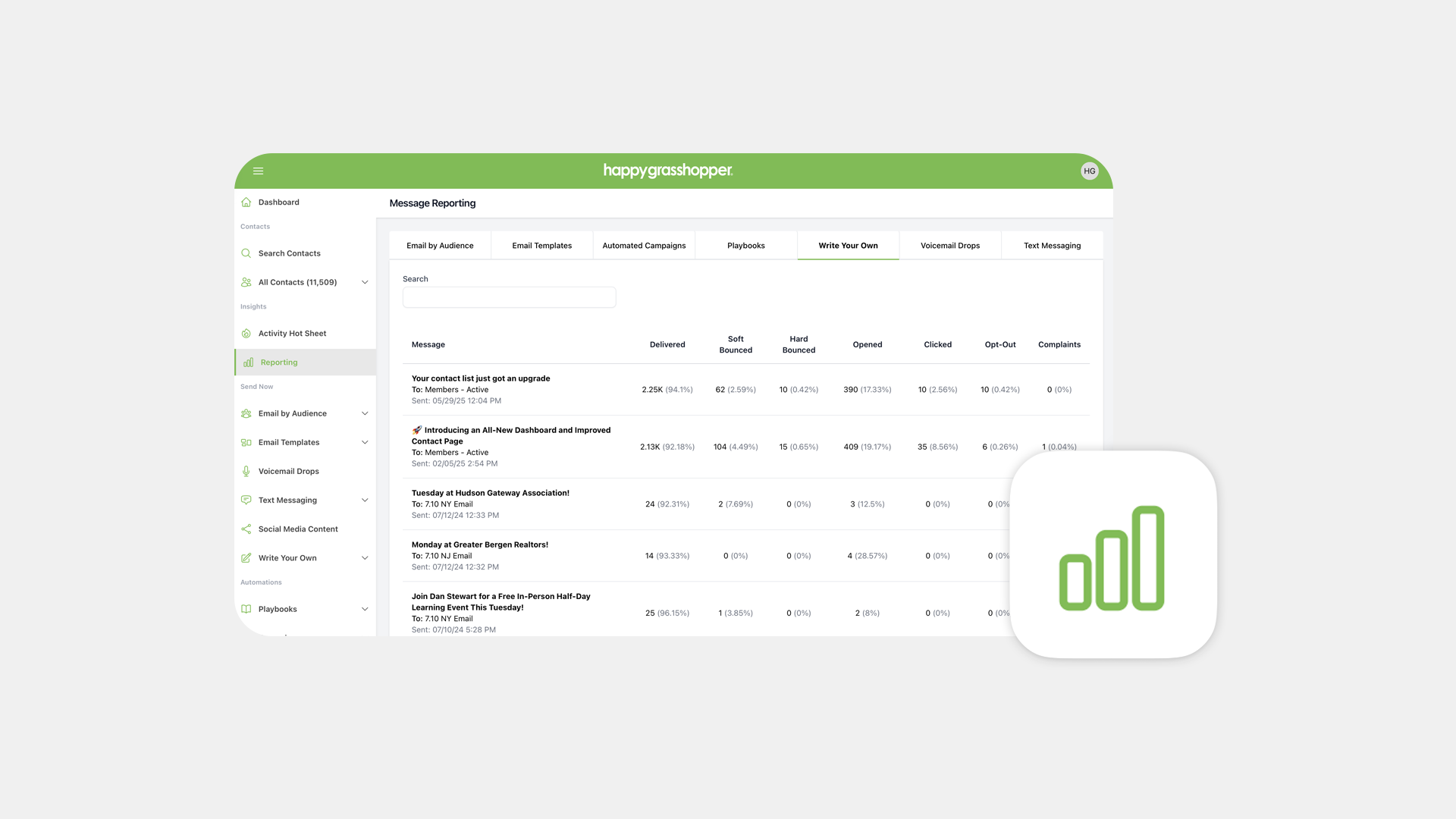
See Your Reporting