How to Set Up Your Sheet For Upload to Happy Grasshopper

Upload Formatting Guide

Map Your Column Headers

  • First Name: "Nick"
  • Last Name: "Sharp"
  • Email: "[email protected]"
  • Phone: "727-977-0001"
  • Birth Date: "2002-12-10"
  • Transaction Anniversary: "2026-05-29"

You can add as many headers as you like — just make sure they’re labeled in separate columns.

Recommended Fields

Email Address

  • Most important contact field for imports
  • Used in Campaigns, Write Your Own, Email Templates, Email by Audience and more
  • Import just one email per contact

Phone Number

  • Used in Campaigns, Text Messages, Voicemail Drops and more
  • Import just one number per contact

Mailing Address

  • Used for Handwritten Cards and Artisan Gifts
  • Include full address (street, city, state, ZIP, country).

Birth Date

  • Happy Grasshopper will send birthday wishes automatically.

Transaction Date

  • Happy Grasshopper will send anniversary follow-ups automatically.

Tips for Smooth Uploads

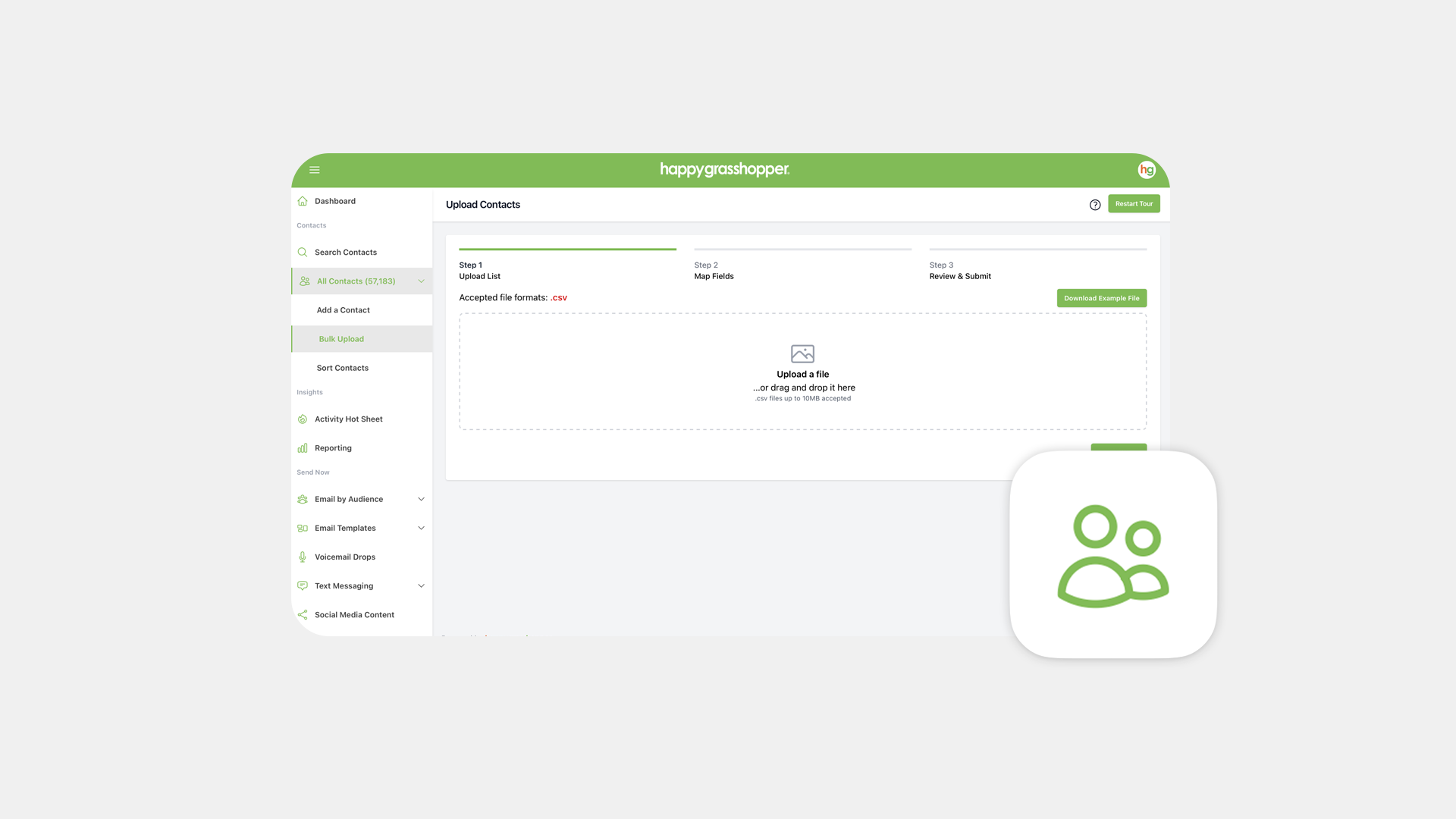
  • Make sure your file is saved as a .CSV (Comma Separated Values)
  • Use clean formatting — no merged cells or hidden rows
  • Avoid multiple info, keep it to one per contact
  • Don’t worry about extra blank columns — we’ll only import what’s mapped

Next

Bulk Upload Your Contacts